

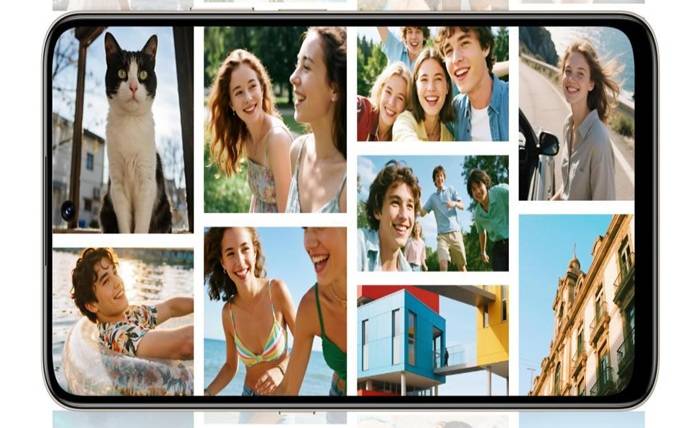
Screen refresh rate shapes how colors appear during motion and still viewing. Faster updates reduce blur and create smoother scenes, which can subtly change how your eyes read tones and contrast. While refresh rate doesn’t directly alter color range, it affects how stable or vivid colors look as you scroll, stream, or game. Understanding this helps you pick the best visual experience.
How Refresh Rate Works on Modern Phone Screens
Why Higher Hz Changes How Images Appear
Higher refresh rates update frames more often, making visuals look smoother and clearer. This reduces motion blur, which helps colors stay more defined while scenes move quickly. When transitions appear cleaner, your eyes interpret edges and tones as sharper. Although higher Hz doesn’t add new colors, it creates a cleaner canvas that makes images look more consistent and refined during movement.
How Refresh Rate Interacts With Display Brightness
Brightness can shift how a refresh rate feels. At high brightness, fast refresh rates look crisp and steady, while lower brightness may reveal subtle flicker on some panels. This flicker can affect how stable colors appear, especially in dim environments. When both factors align well, the screen delivers a uniform, bright image that keeps colors smooth and easy to recognize.
Why Motion Rendering Impacts Color Perception
Motion rendering determines how well colors hold their clarity when objects move fast. A higher refresh rate reduces smearing, helping shades remain distinct even during rapid scenes. Your eyes no longer struggle to track color boundaries, so tones appear cleaner. This doesn’t change the display’s actual color capability but improves how accurately you perceive hues when the screen shows dynamic content.
Does a Higher Refresh Rate Improve Color Accuracy?
Color Consistency Across Different Refresh Settings
Most screens keep their color calibration steady across refresh settings, but some panels may show slight changes in warmth or brightness. Lower Hz modes can introduce perceived flicker, which affects how smooth gradients look. Higher modes maintain more stable frames, making color transitions feel cleaner. While accuracy depends mainly on display quality, refresh rate still influences how consistent colors appear across daily use.
Why Some Screens Shift Colors at High Speed
Some displays struggle to keep pixels changing fast enough at higher refresh rates, causing brief color shifts during rapid transitions. This happens when pixel response times can’t match the speed of new frames. As a result, moving objects may show slight tinting or ghost trails. Better panels handle these transitions smoothly, keeping tones stable even as the refresh rate increases.
How Refresh Rate Affects Tone, Contrast, and Gradients
Refresh rate influences how evenly tones and gradients appear during motion. Slow rates may create banding as frames update less frequently, while higher rates keep transitions more fluid. This fluidity helps gradients look smoother and contrast remain steady. Although refresh rate doesn’t alter true color output, it supports clearer visual separation between tones, especially when scrolling through images or animations.
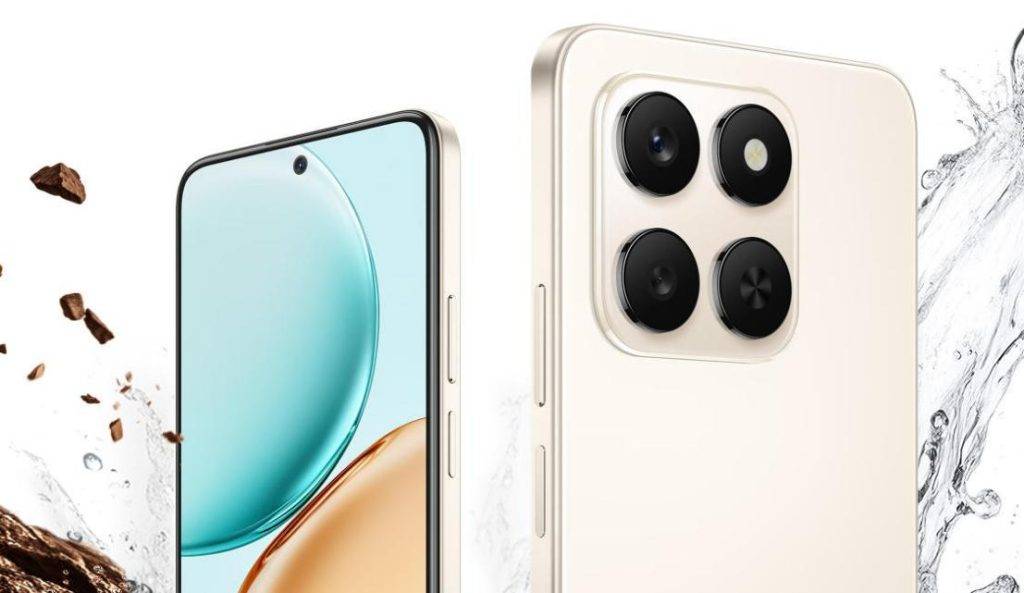
Refresh Rate vs. Color Gamut: What Actually Matters
Why Refresh Rate Alone Doesn’t Expand Color Range
Refresh rate does not expand the color gamut because color range depends on the display’s hardware and backlight technology. A higher Hz only affects motion smoothness, not the number of colors shown. Even the fastest screens still rely on their native gamut for color reproduction. To improve color richness, users should look at panel type, brightness levels, and calibration quality.
How Display Technology Determines Color Limits
OLED, LCD, and advanced quantum dot panels each have different color limits defined by their materials and light systems. These technologies decide how wide the color spectrum can reach. Refresh rate works independently from these factors, affecting only how often the image updates. A premium panel with accurate calibration will always outperform a basic one, regardless of refresh speed.
When Higher Hz Helps Colors Look More Stable
Higher refresh rates help colors look steady by reducing flicker and motion artifacts. When frames update quickly, your eyes see fewer jumps between tones. This keeps shades stable during scrolling or animation. While it doesn’t improve color depth, it enhances perception by preventing distortion. Users often notice cleaner visuals when switching to a faster refresh mode during daily tasks.
Choosing the Right Screen Refresh Rate for Better Color Viewing
Best Settings for Streaming and Visual Content
Streaming benefits from moderate to high refresh rates that keep motion smooth without unnecessary battery drain. Many videos run at 24–60 fps, so matching or slightly exceeding that range helps colors stay stable during movement. A balanced refresh rate also supports clear shadows and subtle tones in films, making scenes feel natural without overshooting the screen’s capabilities.
Best Settings for Gaming and Fast Motion Scenes
Gaming thrives on high refresh rates because fast scenes demand quick frame updates. Higher Hz keeps good effects and dark tones clean during intense motion. It reduces blur and maintains the clarity of color highlights. Competitive players gain smoother tracking for targets and scenery. Choosing the highest supported refresh rate usually delivers the best color stability and responsiveness in games.
When Adaptive Refresh Rate Helps Maintain Color Quality
Adaptive refresh rate adjusts automatically to match what you view. This helps maintain color stability by avoiding unnecessary flicker during slow scenes and boosting smoothness when action increases. It balances battery use and visual clarity, keeping colors consistent across apps. Phones with smart adaptive control often deliver the most reliable color performance because they optimize refresh behavior in real time.
Practical Tips to Optimize Your Phone Screen for Color Accuracy
Adjusting Display Modes for Better Color Depth
Switching to calibrated display modes such as “Cinema,” “Natural,” or “sRGB” can improve color depth and accuracy. These modes fine-tune saturation and white balance for cleaner tones. Pairing them with a suitable refresh rate helps maintain stability during motion. Avoid overly vivid settings if you want realistic colors because they can distort natural shades, especially when scrolling or watching videos.
Using Calibration Tools and Test Patterns
Calibration tools help fine-tune brightness, contrast, and color balance. Test patterns reveal issues like tint shifts or uneven gradients. Using these tools lets you see how different refresh rates affect stability as scenes move. Adjusting your settings based on these tests helps you achieve more accurate visuals. Even simple brightness tweaks can greatly improve color perception during daily tasks.
How Refresh Rate Impacts Battery and Color Stability
Higher refresh rates use more power, which may cause the screen to lower brightness under battery-saving modes. Reduced brightness can affect color stability and tone visibility. Balancing refresh rate with power settings keeps the display performing well. For the best experience, choose a rate that maintains smooth visuals without forcing the phone to dim the screen during regular use.
Conclusion
Refresh rate doesn’t change a screen’s actual color range, but it shapes how stable, smooth, and clear those colors appear during motion. Choosing the right setting helps tones stay consistent and reduces visual strain. For users exploring dependable display performance, the HONOR X7d 5G offers a practical example worth considering. Pairing proper calibration with smart refresh adjustments creates a better viewing experience.